Make any upcoming bill payments or transfers before 22 May or after 24 May to avoid delays or missed deadlines.

Internet Banking and the Mobile App will be unavailable from 3pm on Friday 22 May and are expected to be restored by Sunday 24 May.
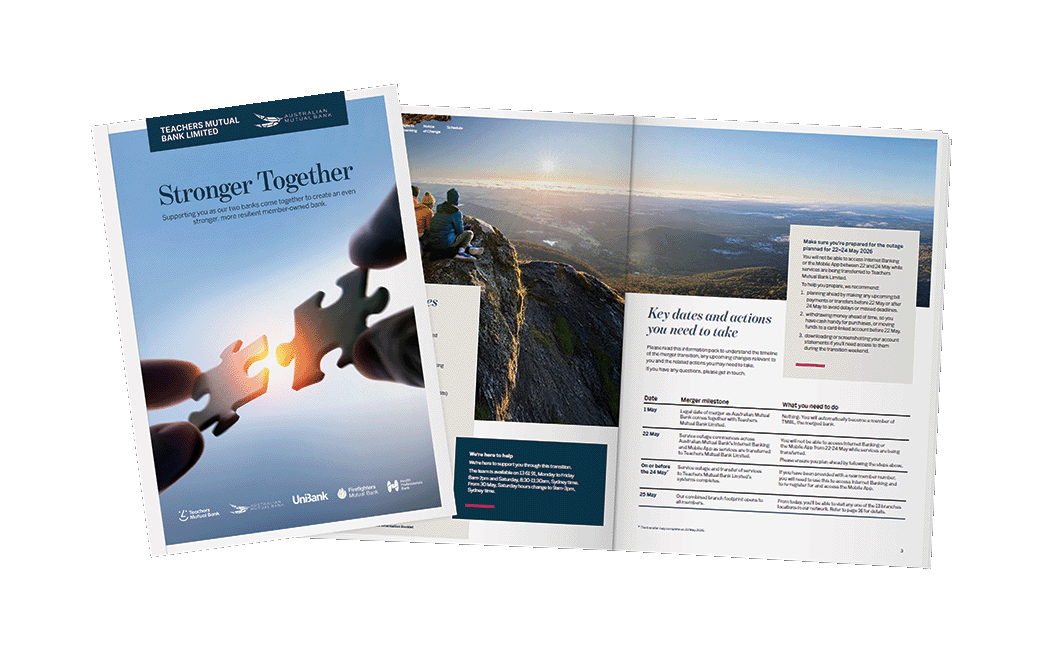
In April, members were provided with information packs outlining important information about the merger of the two banks, including:
Information packs have been emailed to members with a valid email address on file, and sent by post to those without an email address or where emails were returned undelivered. To minimise disruption to your banking please read this information carefully so you know what to expect.
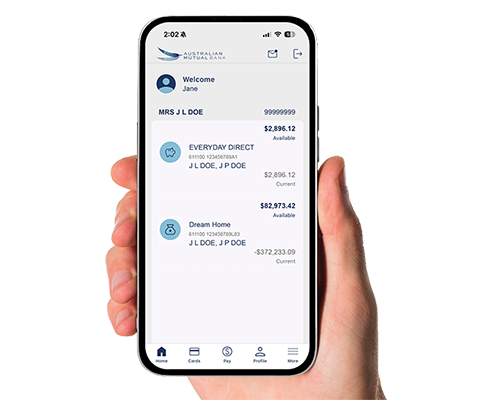
If you are an existing app user, open the app on your device.
If your member number hasn’t changed:
Enter your existing PIN/Pattern or use your existing biometric ID to log in.
If you have a new member number:
If you don’t currently use the app, you can download it from the Apple App Store or Google Play Store.
If you have any issues logging in or questions about how to use the app, please call us on 13 61 91.
The core banking system will be unavailable during the outage window, as well as Internet Banking and the Mobile Banking App.
Members will be able to transact on their physical and digital cards (credit or debit) during the outage.
Your regular electronic payments, direct debits, direct credits and customised account nicknames will be automatically transitioned for you.
Some of your banking alerts may change. To review your alerts following banking systems integration, simply log in to Internet Banking and select Self service followed by Alerts. You can then view a summary of your existing alerts and create any new alerts required for your accounts.
Any payments scheduled for Friday 22 May will not be affected. Payments scheduled for Saturday 23 May will be sent once the outage completes.
If your member number is changing following banking systems integration, you'll find the new member number in the cover letter or email we sent in April.
If your member number is changing following banking systems integration, you'll find the new details in the cover letter or email we sent in April. Use the new member number and your existing Internet Banking password after 24 May. We’ve enhanced security features, so there is no need to enter your date of birth on login.
If you’ve forgotten your password, you can reset it by following the prompts via the “Forgot your password” link, or by calling us on 13 61 91 after the outage period.
Please note that from 24 May 2026, members will be required to enter a valid 16-digit card number as part of the password reset process. Members who do not have a valid card will need to contact us on 13 61 91 to reset their password.
The Contact Centre operating hours during the banking systems integration period are as follows (Sydney time):
• Friday, 22 May – 8am to 10pm
• Saturday, 23 May – 9am to 7pm
• Sunday, 24 May – 9am to 3pm
• Monday, 25 May– 7am to 8pm
• Tuesday, 26 May - 8am to 8pm